
Quick answer
Your own photos beat any stock photo.
Customers can spot a stock photo straight away. A real photo of your van, your work and you on the job shows them who's actually turning up. Your phone is all you need.
The jargon
The words you'll come across, in plain English.
- Stock photo: a photo you pay to use from a photo library. It isn't of your work.
- Copyright: the legal right to a photo. It usually belongs to whoever took it.
- Full size: the original photo file from your phone, with all its detail.
- Compressed: shrunk to save space, which loses detail. WhatsApp does it to photos by default.
- Google Business Profile: your free business listing on Google Search and Maps.
What to take
What to photograph.
Aim for 15 to 30 photos over a few weeks of normal jobs. You don't need all of these, but the more you have, the more we can do.
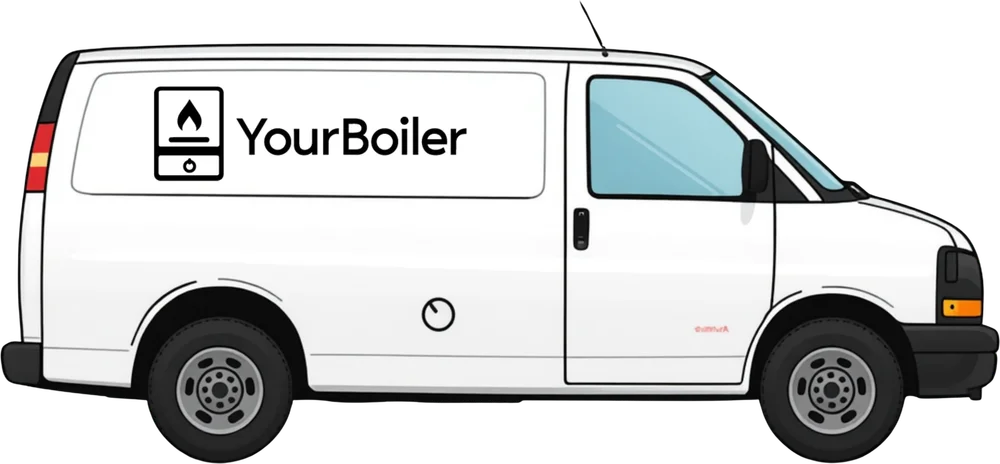
- Your van, side on. Stand back far enough to get the whole van in, in daylight, against a plain wall or an empty road. Give it a wash first.
- You at work. Ask someone to take one of you working, or holding your tools. Friendly and tidy, not posed.
- Finished jobs. The whole thing, from a step or two back, so people can see what it is.
- Before and after. Take both from the same spot, at the same height.
- Close ups of neat work. Tidy pipework, clean joints, straight lines. Other trades notice, and so do customers.
- Your tools and kit, if it says something about how you work.
Make it a habit
Two photos before you pack up.
The easiest way to get good photos is to take them as you go, not all at once.
- Before you pack up, take two photos of the finished job. It takes a minute.
- Make an album on your phone called Website, and add the good ones as you go.
- Once a month, send us the best few. Fresh photos keep your site looking busy.
How to take them
How to take a good photo on your phone.
- Wipe the lens on your shirt first. Pocket fluff makes every photo look misty.
- Use daylight. Open the blinds and turn the big light on. Avoid standing with a window behind the job.
- Hold the phone sideways for most photos. Take one upright as well if it's a tall job, like a boiler on a wall.
- Step back. Get the whole job in, with a little space round the edges. We can crop in, but we can't add what isn't there.
- Tidy first. Move dust sheets, tool bags, cups and rubbish out of shot.
- Hold still and tap the screen on the job so it's in focus. Take two or three and keep the sharpest.
- No filters, no stickers, no text on the photo.
What to leave out
What to leave out.
- People who haven't agreed. Ask before a customer, or anyone else, is in a photo for your website.
- Anything that shows where someone lives: house numbers, number plates, post, family photos on the wall.
- Other firms' names on vans, uniforms or paperwork.
- Anything unsafe, or work that isn't finished properly.
- Photos you didn't take. Photos from Google or another firm's website aren't yours to use.
How to send them
How to send them so they stay sharp.
WhatsApp shrinks photos to save data, which makes them blurry on a website. Send the full size version instead.
- WhatsApp: tap the + (iPhone) or the paperclip (Android), choose Document, then pick the photos. Sent as a document, the original file comes through rather than a shrunk copy. If you send them as normal photos, at least choose HD: WhatsApp says it's clearer than Standard.
- Email: if your iPhone asks what size to send, choose Actual Size.
- No screenshots. A screenshot of a photo is smaller and blurrier than the photo itself.
- Lots of photos? Send them in a few goes rather than all at once.
Send more than you think we need. We pick the best, tidy them up and make them the right size for your site.
Use them on Google
Put the best ones on Google too.
Your Google Business Profile shows photos to people searching on Google and Maps, often before they ever see your website.
- Add a few of the same photos to your profile: your van, you at work and a couple of finished jobs.
- Keep adding new ones every so often, so it looks like a busy, active business.
Google asks for real photos with no heavy filters, and they only show once your profile is verified.
Not on Google yet? Our Google Business Profile guide shows you how.
Sources
Where this guide comes from.
Checked against these on 27/10/2026.
FAQs
Common questions.
Do I need a proper camera?
No. Any phone from the last few years is fine. Good light and a clean lens matter far more than the camera.
Can I use the photos on my Facebook page or old website?
Yes, if you took them. Send us the original photo from your phone rather than saving it off Facebook, as Facebook can shrink them too.
Can I use the boiler maker's photos?
Only with their permission. A photo on a manufacturer's website still belongs to them. Your own photo of a boiler you fitted is always better anyway.
What if I haven't got many photos yet?
Send what you have. We can build your site around a few good ones and add more as you take them.
Not sure about a photo?
Send it anyway and we'll tell you.
We'd rather see ten average photos than none. We'll pick the best and tell you what would make the next ones better.
